Plans and billing
Every plan includes AI and a number of conversations per month. You manage it in Plan & billing (Settings menu). Only an Admin can see it.
What a conversation is
A conversation is a contact's messages within 24 hours. If the same customer writes again after those 24 hours, it's a new conversation. Conversations are counted per month and the counter resets on the 1st.
These also count as a conversation:
- Each test conversation in Test funnel
- When your team hands back to the agent a conversation it had passed to a person, its next reply starts a new conversation
Plans
| Plan | Conversations per month | Additional conversation |
|---|---|---|
| Basic | 200 | US$0.03 |
| Business | 500 | US$0.03 |
| Enterprise | Unlimited | No charge |
Prices for each plan are at simplifybot.co. You can pay Monthly or Yearly (yearly saves you one month). On yearly plans, the included conversations are also per month.
WhatsApp conversations charged by Meta are separate and paid directly to Meta.
If you go over your plan
Your agent never stops replying because of it. Each additional conversation costs US$0.03 and is charged at the end of the month to your plan's card.
The owner gets a notice when you reach 80% and another at 100% of the month's conversations.
The free trial
- 14 days or 100 agent replies, whichever comes first
- Telegram only
- In Home and in Plan & billing you see how many replies and days you have left
When it ends, messages keep coming in but the agent doesn't reply until you choose a plan.
Choose or change your plan
- Go to Plan & billing and click Change plan (or go to Plans if you don't have one yet).
- Choose Monthly or Yearly and the plan, and click Get started or Upgrade.
- Pay by card. When you come back, you'll see Your plan is active.
If the payment takes a while to confirm, you'll see Your payment is still being processed. Click Check again in a moment.
For the Enterprise plan, click Contact sales.
Your usage
In Plan & billing you see:
- Your plan and its status: Active, Payment failed or Cancelled
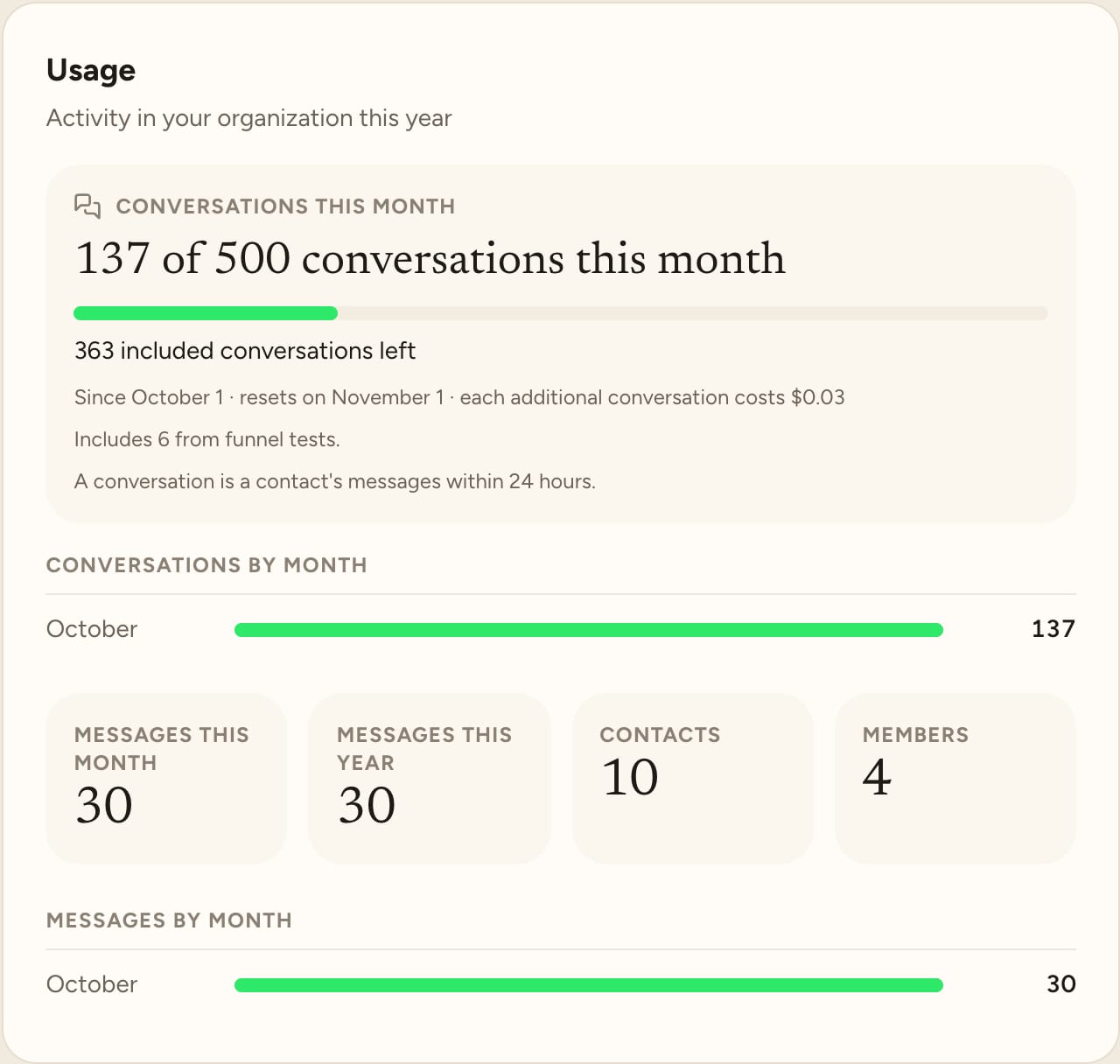
- The month's conversations: how many you've used, how many you have left and when the counter resets
- Additional conversations and the estimated charge at the end of the month
- Charts of conversations and messages per month
Invoices and card
With Open billing portal you download your invoices and change your card.
If a payment fails, check your card in the billing portal. While the plan is in Payment failed, the agent may stop replying.